How long has my baby been awake?
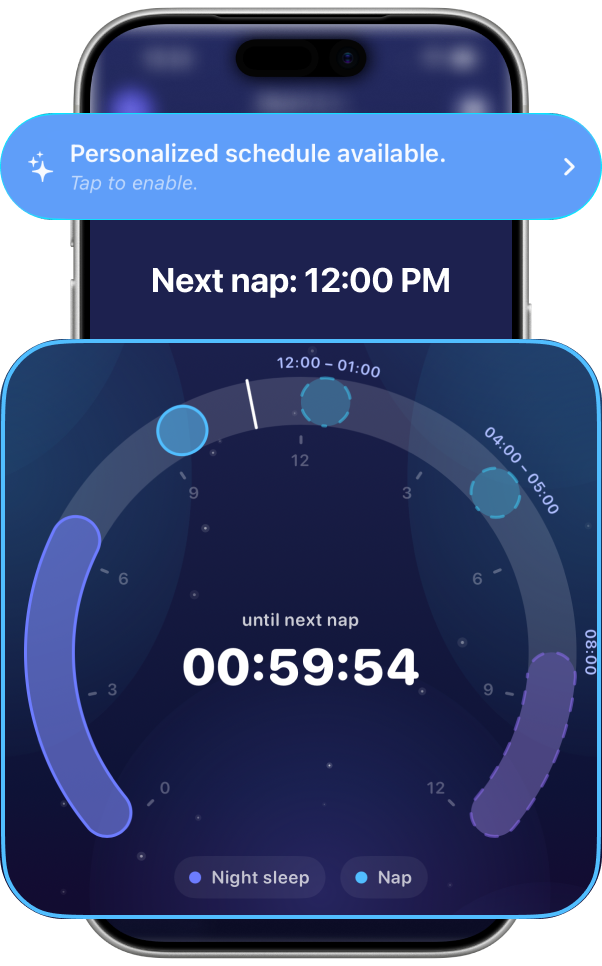
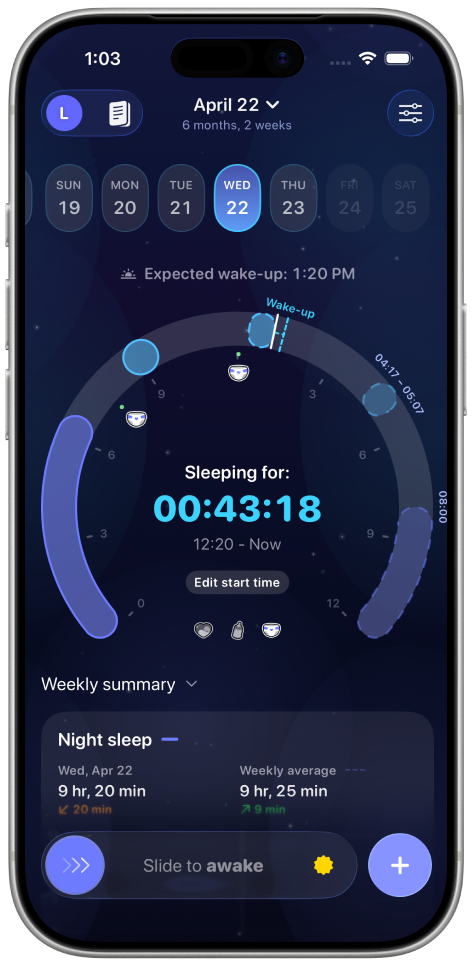
See the live awake timer without calculating from the last nap.
Baby sleep tracker app for iPhone
Napverse turns naps, night sleep, feeds, diapers and awake time into one calm daily view — then helps you spot patterns and plan the next sleep window.
Track sleep and daily care
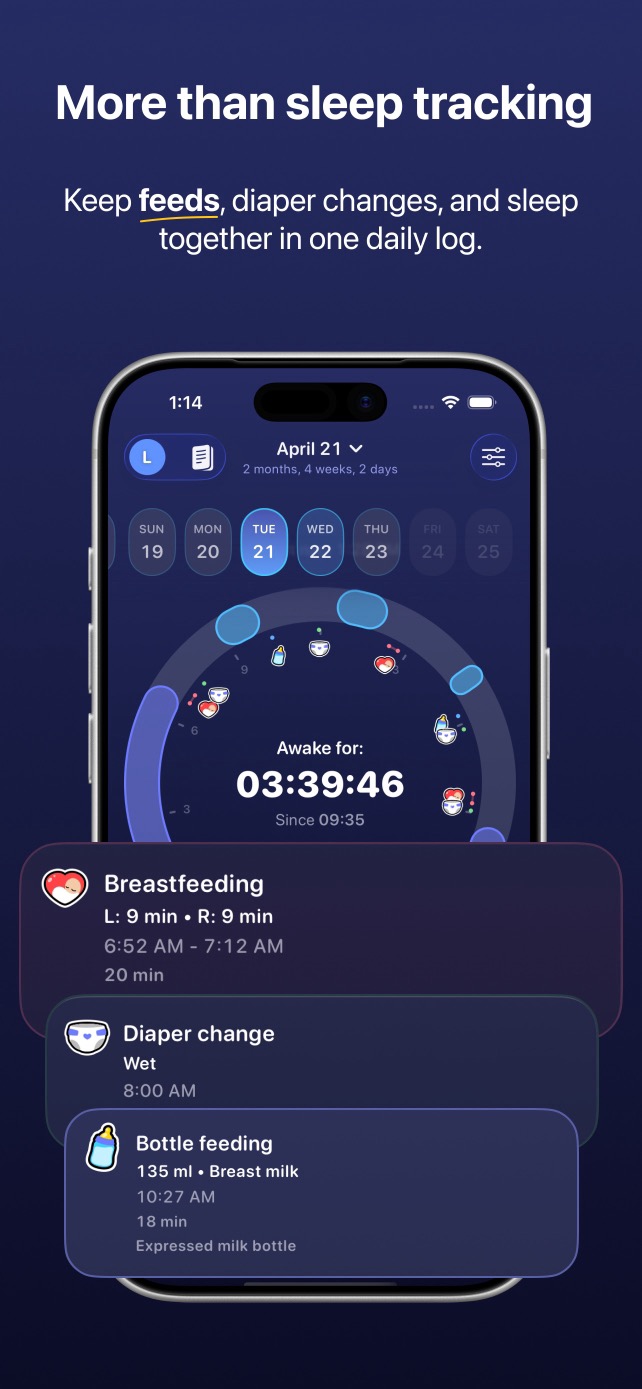
The whole day, finally together
When sleep, feeding and diaper notes live in separate places, the day is harder to read. Napverse keeps each event on one timeline so you can answer the questions that matter now.
See the live awake timer without calculating from the last nap.
Review sleep, feeds, pumping, diapers and temperature in sequence.
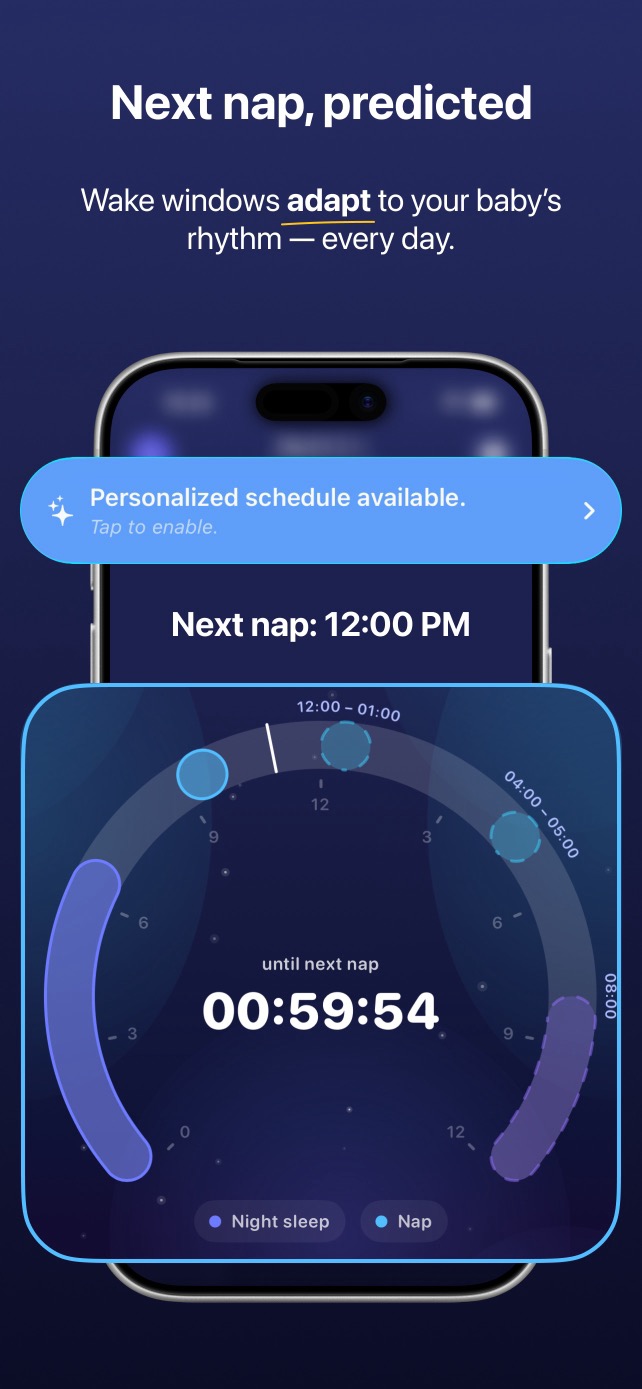
Use personalized sleep-window estimates as flexible planning guidance.
A baby tracker built around the day
Fast inputs keep you present. The timeline, timers and trends do the remembering later.

Download for free and start tracking sleep and daily care in a few taps.
Start or stop sleep, edit missed times, and see the current awake or sleeping duration.
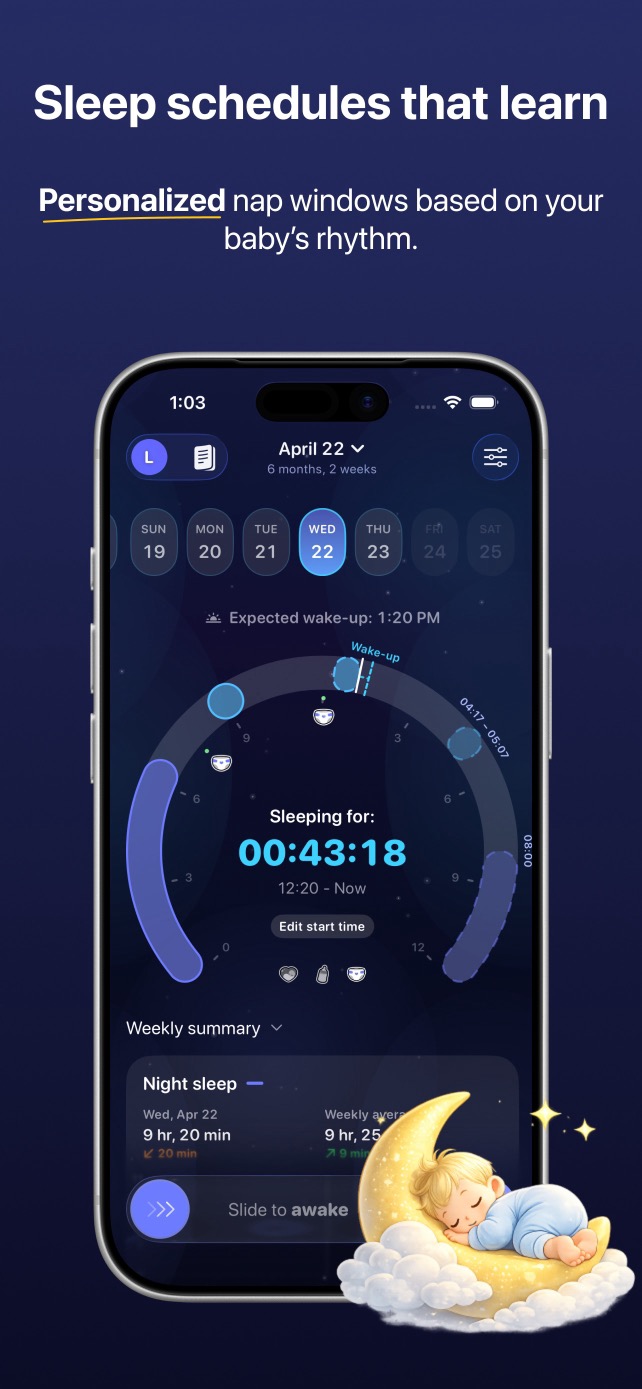
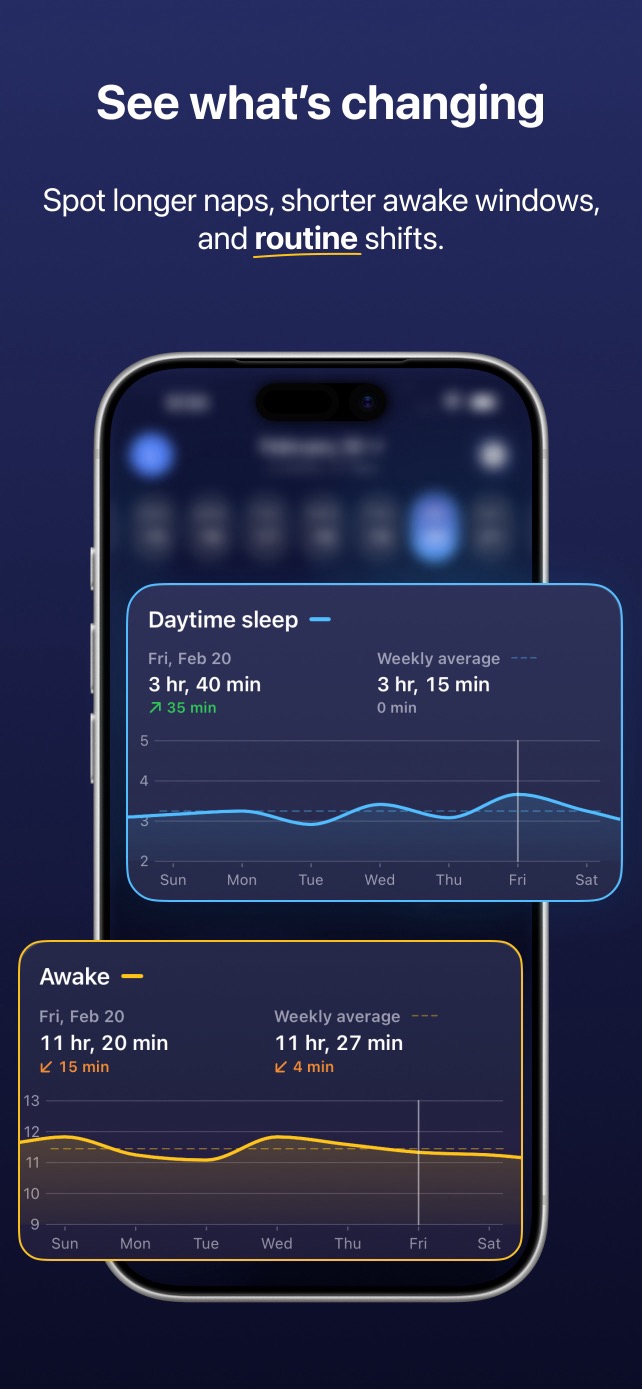
A circular day view and chronological timeline make patterns easier to recognize.
Napverse uses age and recent sleep patterns to estimate likely nap and bedtime windows.
Log breastfeeding, bottles, pumping, diapers, temperature and measurements beside sleep.
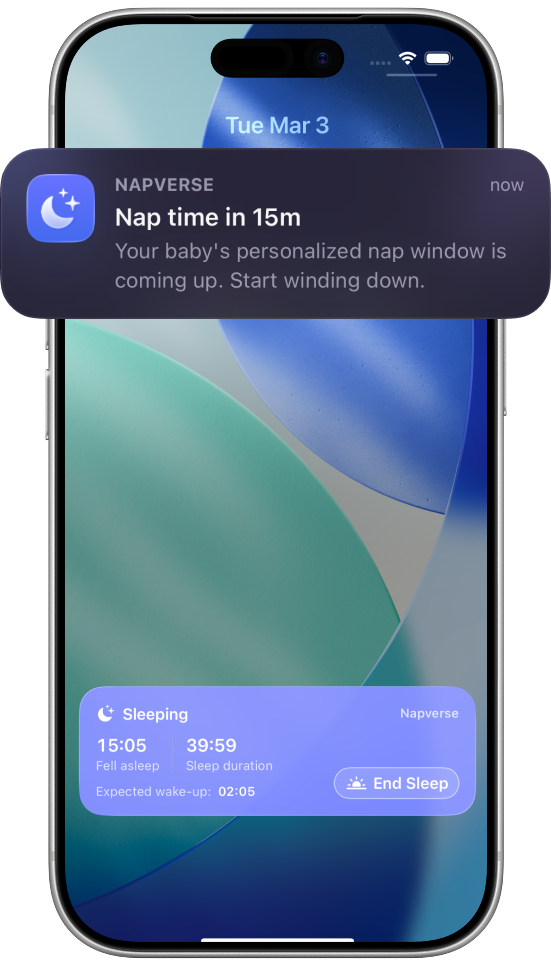
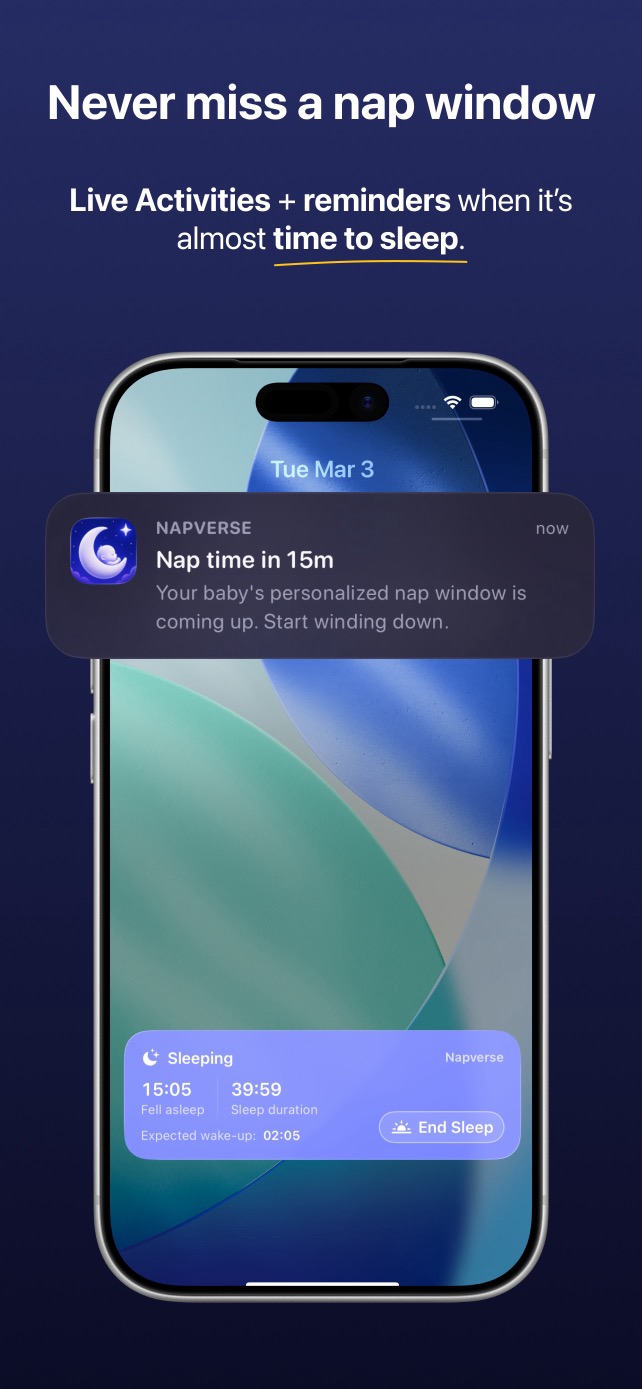
Interactive widgets and Live Activities bring sleep status to the Lock Screen, Always-On Display and Dynamic Island.
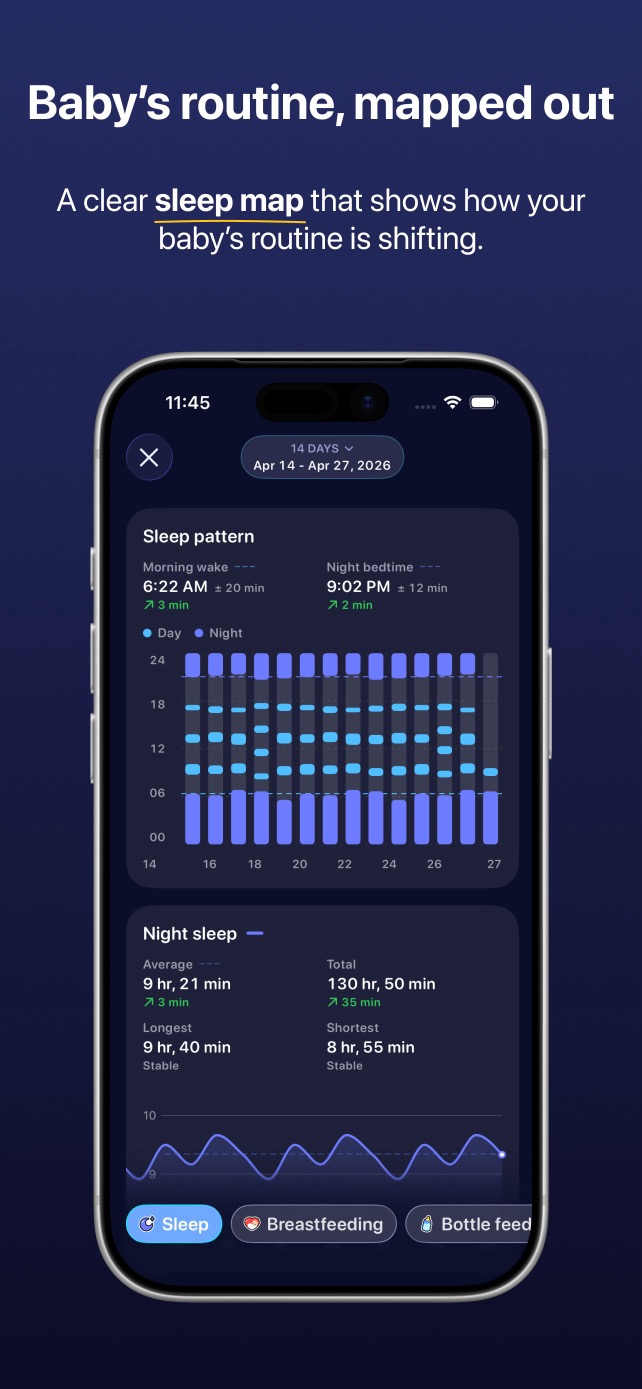
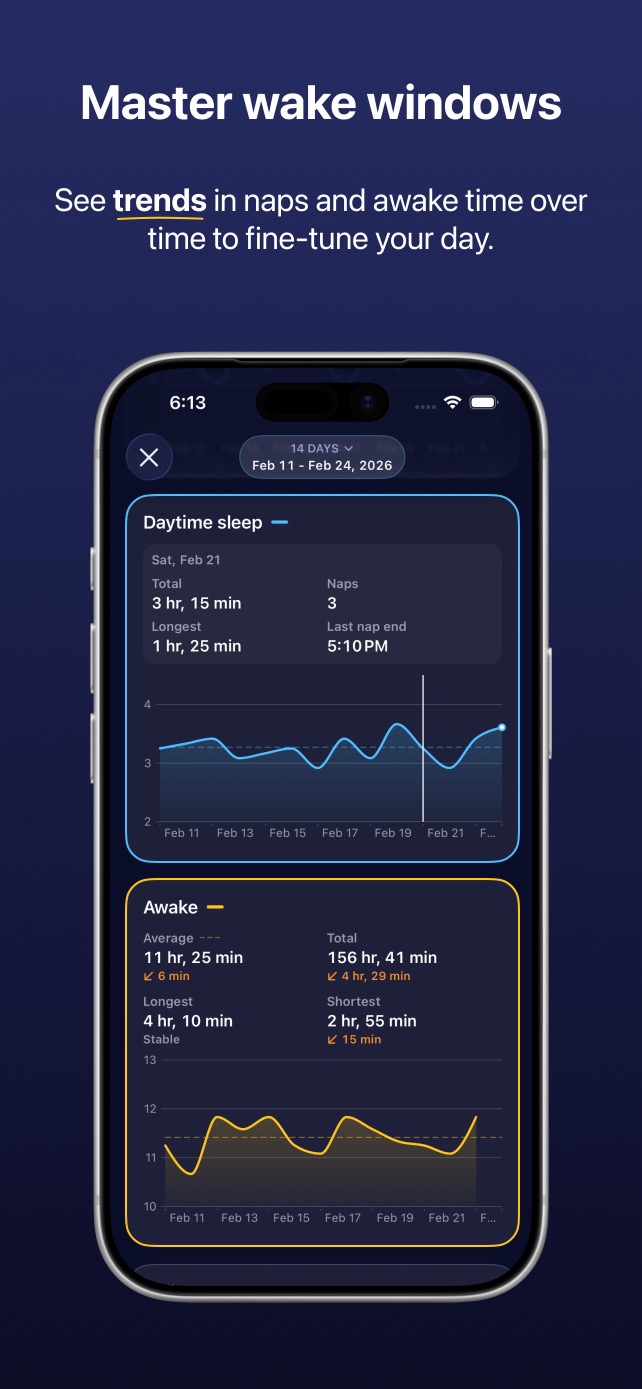
How it works
Start with today. Napverse becomes more useful as a real pattern — not a perfect schedule — takes shape.
Start sleep as it begins, or add a missed nap later. Record the care events that help explain the day.
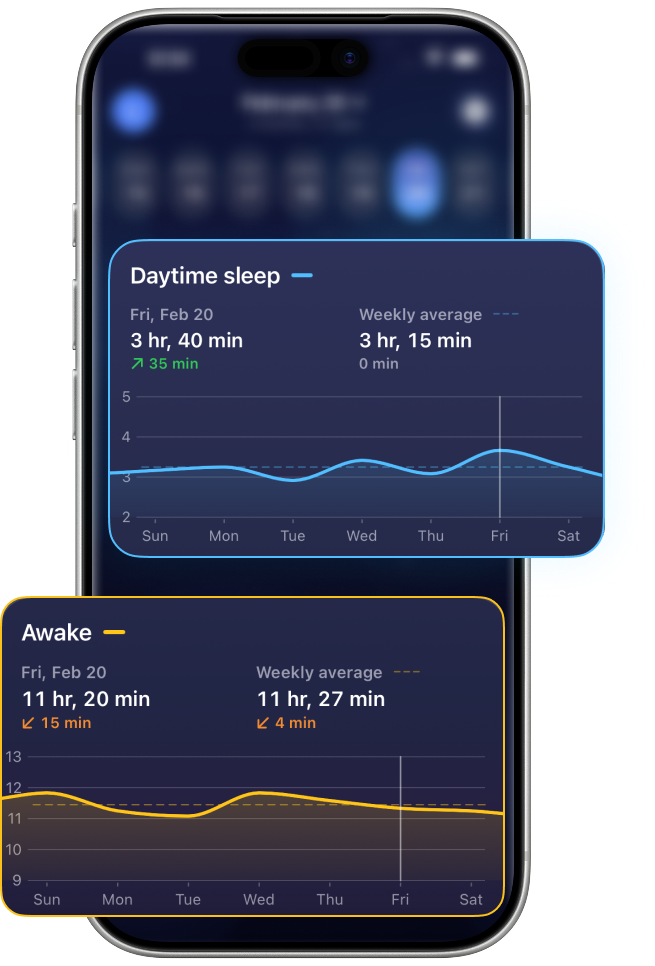
Check current awake time, the last feed, nap duration and how today compares with recent days.
Prepare around a likely sleep window, then keep following your baby’s cues and your clinician’s advice.
Built for real days
Keep logging. Napverse updates the context so you can respond to the day you actually have.
Practical baby sleep guides
Evidence-aware explanations, flexible examples and a concrete way to use your own logs — without pretending every baby follows the same clock.
Use age-based ranges as a starting point, then compare them with your baby’s actual rhythm.
Read the guide Schedule guideNaps, total sleep and flexible bedtime patterns from newborn months onward.
Read the guide 0–3 monthsWhat irregular newborn sleep can look like — and what is actually useful to track.
Read the guide Age guideA flexible sample day for changing naps, short sleep cycles and bedtime.
Read the guide Age guideHow to read the space between two- and three-nap days without forcing a transition.
Read the guide Nap guidePut one short or long nap in the context of age, total sleep and the full day.
Read the guide Pattern guidePatterns to check before deciding whether timing, context or something else changed.
Read the guide Transition guideA seven-day observation method for separating a phase from a consistent new pattern.
Read the guide Getting startedA low-effort method that captures enough context without turning the day into data entry.
Read the guideFrequently asked questions
Napverse is a tracking and planning tool, not a medical device. If sleep or health concerns worry you, contact a qualified professional.
A wake window is the time a baby is awake between one sleep period and the next. Age ranges can be a useful starting point, but cues and real logged patterns matter too.
Learn more about wake windows by age →Sleep changes quickly in the first two years. A useful schedule is a flexible map of wake time, naps and bedtime — not a promise that every day will match.
Learn more about schedules by month →Newborn sleep is often fragmented and irregular. Tracking can help you understand the pattern without forcing a rigid routine too early.
Learn more about newborn sleep →Nap length varies with age and from day to day. Total sleep and the pattern across several days are usually more informative than one nap in isolation.
Learn more about baby nap length →Nap resistance can have many possible contexts: recent sleep, time awake, feeding, stimulation, environment or discomfort. A log helps you see what repeats; it cannot diagnose a cause.
Learn which patterns to check →Look for a repeated pattern across several days, such as a consistently skipped third nap or bedtime becoming difficult — not one unusual day.
Learn how to track the 3-to-2 transition →Yes. Core activity tracking includes sleep, breastfeeding, bottles, pumping, diaper changes, temperature and measurements, all in the same daily context.
See what Napverse tracks →Download Napverse for free to track sleep and daily care, spot patterns, and keep your baby’s day in one calm view.
Core activity records use local storage. Optional services may process limited data to provide their function — for example, personalized schedules process sleep logs through Napverse. Review the policy for the complete, current details.
Read the Privacy Policy →
Start with the next nap
Download Napverse for free and turn today’s sleep and care events into a clearer plan for what may come next.